
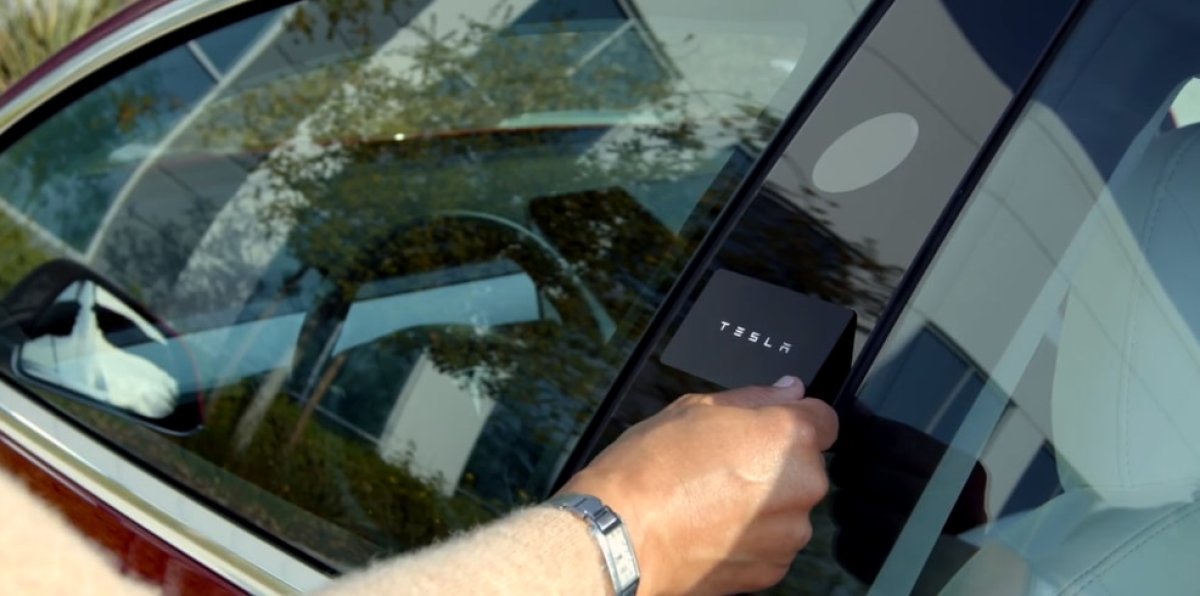
Utilizing One Key Card to Unlock Multiple Teslas
For households or fleet managers with multiple Teslas, the hassle of searching for the correct key card in your pocket is a common annoyance. The confusion between the Model Y and Model 3 cards can lead to embarrassing moments of tapping the wrong one on the B-pillar. However, there is a solution – you can use a single key card to access multiple vehicles.
It may seem like a workaround, but it’s actually a built-in feature of Tesla’s access control system. This article will explain why this is possible and how you can set it up for yourself.
Distinguishing Between Key Card and Phone Key
It’s important to understand the difference in technology between your phone key and key card.
Your phone key utilizes Bluetooth technology for a secure connection with your Tesla. On the other hand, the key card operates through Near Field Communication (NFC) and stores a unique identifier (UID) that the car reads to grant access.
Since the card only contains the UID and not specific vehicle data, it can be used to unlock multiple cars. The decision to unlock is made by the vehicle, not the card itself.
Adding Your Key to Multiple Vehicles
The process of adding your key to multiple vehicles is straightforward and similar to adding a new key card to a single vehicle.
Simply access the Controls > Locks > Keys menu in your vehicle and select Add Key. Follow the instructions to scan your new key card and repeat this process for each additional vehicle.
With this setup, you can use one master key card to unlock all of your Tesla vehicles effortlessly.