
Tesla Unveils Exciting Spring 2026 Software Update: Introducing New Self-Driving App, ‘Hey, Grok,’ and More
Tesla has just announced its highly anticipated Spring 2026 update, packed with innovative features that promise to revolutionize the driving experience for Tesla owners. From the introduction of the long-awaited wake word for xAI’s Grok to a brand new self-driving app, this update is set to be a game-changer for Tesla enthusiasts.
In an official announcement on X, Tesla confirmed that the update will be rolling out shortly, bringing a host of technical enhancements and quality-of-life improvements to its fleet of vehicles.
New Self-Driving App
One of the key highlights of the update is the introduction of a dedicated Self-Driving app designed for vehicles equipped with AI4 (Hardware 4) computers. This app allows users to subscribe to Full Self-Driving (FSD), track their FSD usage over time, and access tutorials on how to maximize the benefits of the FSD technology.
The app features a comprehensive “FSD (Supervised) Stats screen, providing owners with valuable insights into their FSD usage percentage, usage streaks, and usage trends over time. This level of transparency represents a significant step forward in empowering owners to understand the value of the software.
“Hey, Grok” Wake Word
Elon Musk’s teased “Hey, Grok” wake word has finally become a reality, allowing users to activate the xAI-powered assistant by simply saying “Hey Grok.” In addition to answering general queries, Grok can now set location-based reminders, such as reminding users to pick up essentials when they are near home.
While the functionality of Grok is still evolving, the addition of the wake word is a positive step towards enhancing the user experience.
Pet Mode
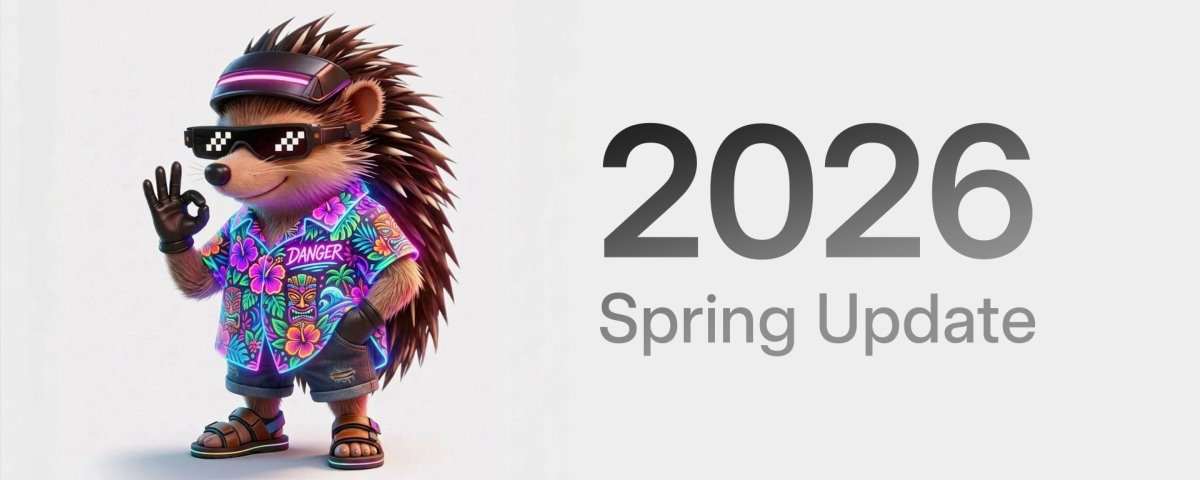
Tesla is expanding beyond its popular “Dog Mode” with the introduction of a more inclusive “Pet Mode.” Owners can now choose between displaying a dog, cat, or hedgehog on the screen while they are away, adding a personal touch to their vehicle.
The customization options extend to naming the pet displayed on the screen, reflecting Tesla’s playful approach to enhancing the user experience.
New “More Apps” Icon
The App Launcher has been updated with a new “More Apps” icon, featuring a folder-style design reminiscent of iOS folders. This subtle tweak aims to streamline the user interface and improve accessibility to additional apps.
Higher-Quality Car Visualizations
Tesla is introducing higher-quality vehicle models on the parked screen, enhancing the visual representation of the vehicle. This upgrade is initially available for the new Model 3 and Model Y, with future support expected for the Cybertruck and other vehicles equipped with AMD processors.
Trip Stats and Energy Tracking
Tesla is introducing detailed graphs for trip meters, replacing the old Trips card next to the media player. The new Trip Stats feature enables users to create multiple trips for tracking energy consumption across different drives. Accessing consumption data is now easier, with a swipe left on the media player providing quick access to consumption metrics.
Customization for Model S and X
Model S and X owners can now personalize their in-car avatars with window tints, custom wraps, and license plates, expanding the customization options available for Tesla vehicles. This feature follows similar customization options introduced for the Model 3, Model Y, and Cybertruck in previous updates.
Blind Spot Warning Accent Lights
An additional safety feature has been added to the ambient accent lights found in select Tesla models, including the Cybertruck and refreshed Model 3. The lights now turn red when an object is detected in the blind spot while the turn signal is engaged, enhancing visibility and alerting drivers to potential hazards.
Premium Immersive Sound
For Model 3 and Model Y vehicles equipped with Tesla’s premium audio system, a new “Premium Immersive Sound” mode offers advanced sound extraction to create a detailed soundstage within the vehicle. This feature is compatible with popular streaming services like Spotify and Apple Music, providing users with an enhanced audio experience.
Sketchpad Improvements
The Sketchpad feature has been upgraded to support stickers and emojis, allowing users to add fun graphics to their drawings. The improved interface enables users to save their sketches directly to the car’s storage, facilitating easy sharing and viewing of creations on the Tesla mobile app.
Automatic Updates
Tesla has introduced an “Automatically Install Updates” toggle, enabling the car to download and install new software releases overnight without user intervention. While this feature offers convenience, users should be aware that their vehicle will be temporarily unavailable for approximately 45 minutes during the update installation process.
Weather Map Improvements
The weather maps have been enhanced with improved colors to differentiate between rain and snow, as well as better visualization of precipitation types. Users can now access an “hour-back” history feature to track weather changes over time.
Dashcam Improvements
The Dashcam buffer has been extended from one hour to up to 24 hours, aligning with the recent update rolled out in China. Users can now save clips for permanent storage on their Tesla by accessing the Dashcam Viewer in the App Launcher.
Easier Way to Queue Music
The Spring 2026 update includes gesture controls for easier music management across primary streaming platforms. Users can now swipe right on a track in Apple Music or Spotify to instantly add it to their play queue, enhancing the music listening experience.
Rear Screen Maps
Passengers using the rear touchscreen can now view and interact with maps while the vehicle is navigating a route, providing them with real-time trip progress information. This feature allows rear-seat occupants to engage with the navigation system without disrupting the driver’s primary display.
Hardware Compatibility
While some features are exclusive to AI4 hardware, compatibility with older Intel-based cars is expected for certain enhancements. Pet Mode, Energy Trips, automatic updates, and weather/dashcam improvements may be available for older Tesla vehicles powered by Intel Atom processors, while features like new car visualizations and Sketchpad stickers are likely limited to Ryzen-powered vehicles.
CarPlay, Where Art Thou?
Despite the extensive list of new features, Tesla has yet to integrate Apple CarPlay fully, a feature that many owners have been eagerly anticipating. While Tesla continues to enhance its native software and collaborate with Apple on potential CarPlay integration, the Spring 2026 update does not include this functionality.
Tesla’s Spring Update promises significant enhancements and improvements to the overall user experience, with a gradual rollout expected to commence soon. Stay tuned for the latest updates and enjoy the exciting new features coming your way!