
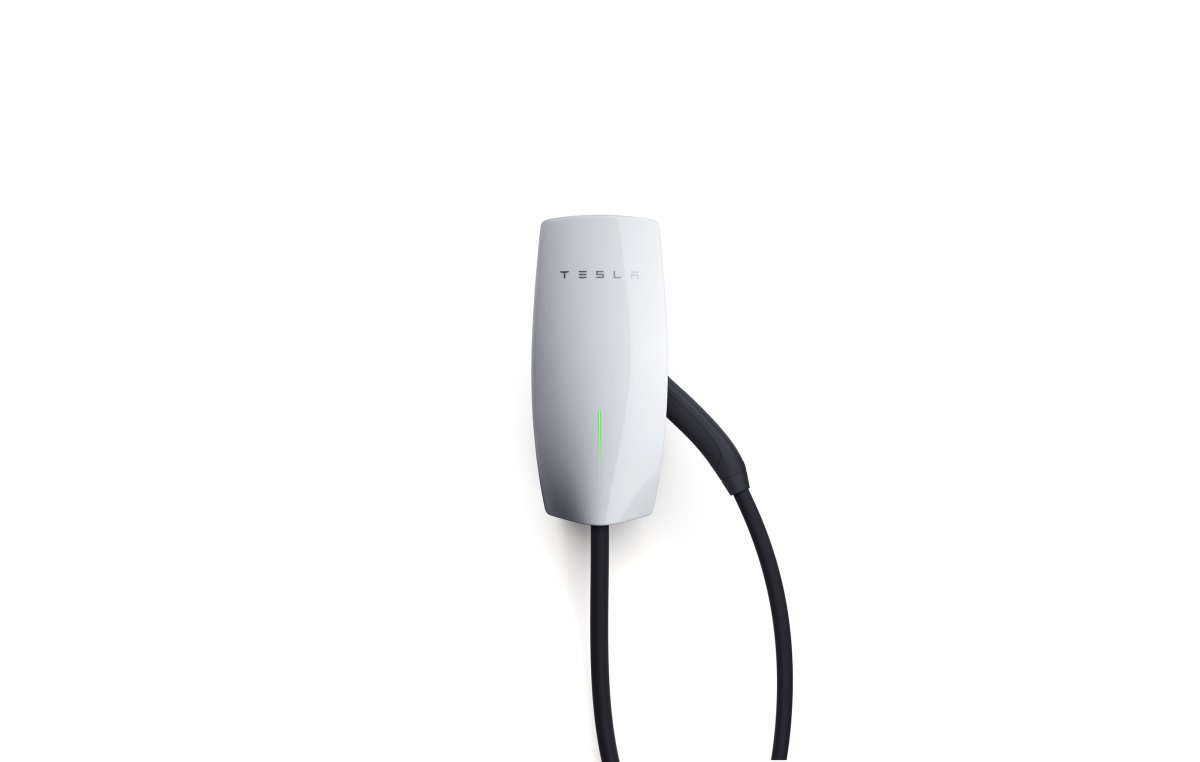
Tesla Resolves Wi-Fi Connectivity Issue for Wall Connectors with Update 26.2
Tesla has finally addressed a long-standing problem faced by Gen 3 Wall Connector owners. A new software update, version 26.2, is now being rolled out to fix a frustrating Wi-Fi compatibility issue related to modern security protocols.
The issue, extensively discussed on the Tesla Motors Club forum, revolves around the Wall Connector’s inability to maintain a connection with networks using WPA3 or WPA2/WPA3 mixed-mode security. Although the Generation 3 Wall Connector was officially launched over six years ago in January 2020, reports of these specific Wi-Fi connectivity drops started emerging in early 2021.
A Persistent Connectivity Issue
For many users, this problem seemed to be a recurring issue. Owners of modern mesh systems like Eero, Ubiquiti, and Google Nest Wi-Fi Pro discovered that their chargers would either fail to connect or disconnect from the network after a certain period. The frustration escalated as Tesla integrated the Wall Connector into its mobile app, requiring a stable Wi-Fi connection for real-time data and firmware updates. This led users with modern routers to create a separate, less secure Wi-Fi network solely for the charger. As one owner expressed, “It’s frustrating that this problem persists.”
Although the issue appeared to be resolved briefly in late 2024 with firmware version 24.44.3, it resurfaced with the introduction of the 25.x software branch. This cycle of progress and setbacks prompted some users to resort to unconventional solutions, such as blocking Tesla’s update servers to retain the older, functional version.
Successful Resolution in Update 26.2
The latest firmware update, version 26.2.0, appears to have permanently resolved the issue. Users have reported stable auto-negotiation with WPA3 since the mid-February rollout. One owner shared, “Tesla provided me with firmware version 26.2 for the wall connector, and it fixed the auto negotiation on my Eero network with WPA3 enabled. Hopefully, this update becomes available to all soon!”
Unlike Tesla vehicles, Wall Connectors receive updates automatically in the background, usually overnight. You can check your current software version in the Tesla app by navigating to Home > Settings > My Home Info and checking under “My Products.”
Temporary Solutions While Waiting
If your charger has not yet received the update and you are still experiencing connectivity issues, the most reliable workaround is to create a dedicated 2.4 GHz Guest SSID on your router using only the WPA2-Personal protocol. This allows the hardware to bypass the intricate “handshake” problems associated with WPA3. While some users have successfully reverted to older firmware versions manually, it is advisable to await the automatic update to version 26.2.
This resolution comes at a crucial time for Tesla’s charging division, which recently introduced a six-foot pedestal for the Gen 3 hardware. With the software now aligned with modern router standards, owners can fully utilize the features of their Wall Connectors without worrying about them dropping off the network.